


Website Design in Tirupur 2026: 7 Mistakes Local Businesses Make That Cost Them Customers (and How to Fix Them)
Vanakkam friends!
First, a small confession. I don’t call myself a big tech expert. I am just a person who spends too much time on the phone, searching for things. Last week I was looking for a few local shops and services in Tirupur, and I opened around 15 websites one by one.
Honestly? I was shocked. Some were really nice. But many had basic problems, and I closed them within 10 seconds. If I closed them that fast, imagine what your customers are doing with your website.
So I made this list of 7 mistakes. Read slowly, and check your own website while reading. If you find your mistake here, don’t feel bad. Almost everyone makes these. And the good news is that all of them can be fixed.
I also added a “Reality Check” after each mistake. Do it right now, it takes only a minute.
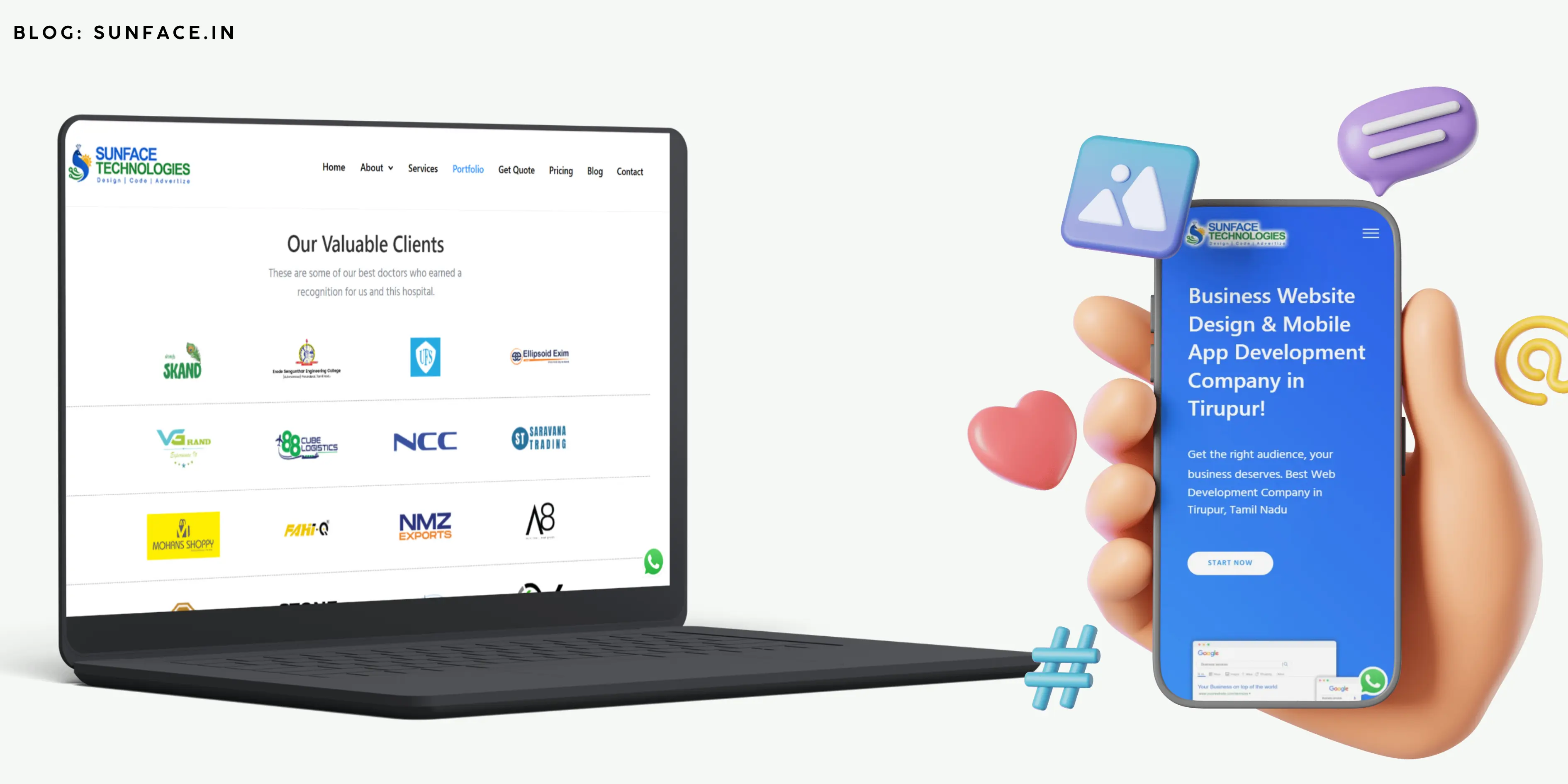
Usecase 1: No website, only a Facebook page or WhatsApp
“Anna, my customers all come through WhatsApp. Why should I spend money on a website?”
I understand this thinking. It worked in the old days. But think about this: when a new person, who doesn’t know you, wants to find a service like yours, what does he do? He opens Google and searches. He does not search on your WhatsApp contacts.
A Facebook page is like a stall on someone else’s road. They can change the rules any day. A website is your own shop, with your own address, open 24 hours, and you don’t have to answer the same questions 50 times. “What is your address?” “What is the price?” “Do you do this work?” All answers are already there.
Reality Check: Open Google on your phone and search for your business type plus “Tirupur”. For example, “tuition centre Tirupur” or “dental clinic Tirupur”. Do you come up? If not, many customers don’t even know you exist.
Fix: Start small. Four pages are enough: Home, About, Services and Contact. You can add more later.

Usecase 2: The website opens very slowly
Let me ask you honestly. You click on a website and it shows a white screen for 5 seconds. What do you do? You press the back button and click the next result, right? We all do. Nobody has patience, not even me.
The main reason is usually big photos. Someone takes a photo from a good phone camera and uploads it directly. That photo can be several MB in size! Now put 10 such photos on the home page, and the website crawls.
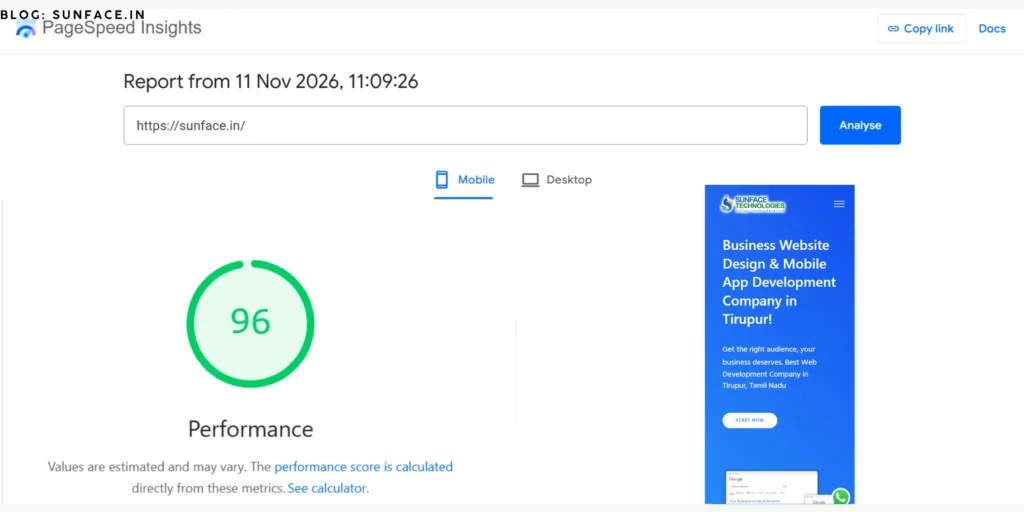
Reality Check: Go to Google PageSpeed Insights, paste your website link and press Analyze. It is free. It gives you a score and also tells you what to fix. Don’t panic if the score is low. Just know where you stand.
Fix: Reduce photo size before uploading. Use only the photos you really need. And don’t keep too many heavy things on the home page.
Usecase 3: It looks fine on a laptop but bad on a phone
Here is a small truth. Most of us search on a mobile phone. At home, at the bus stop, in the shop, even while waiting for tea. Your customers are the same.
But many owners check the website only on their office computer, feel happy, and finish. Then on the phone the letters are tiny, the menu doesn’t work, and the photos are cut off. The customer has to zoom in and out and gets tired. Then he leaves.
Reality Check: Take your phone right now and open your website. Try to find your phone number and your address. If it takes more than 5 seconds, there is a problem.
Fix: Tell your web designer clearly: “Mobile first.” The website must look perfect on the phone, and the laptop is secondary.

Usecase 4: Phone number and WhatsApp are hidden
This one makes me sad. Think about it. A customer has already decided to buy. He is ready! He only needs to call. But your phone number is hiding in the last line of the last page. He searches for 20 seconds, gets angry, and calls the next shop.
You did all the hard work to get him there, and you lost him at the last step.
Reality Check: Without scrolling, can a new visitor see your phone number on the first screen? If not, you are losing calls.
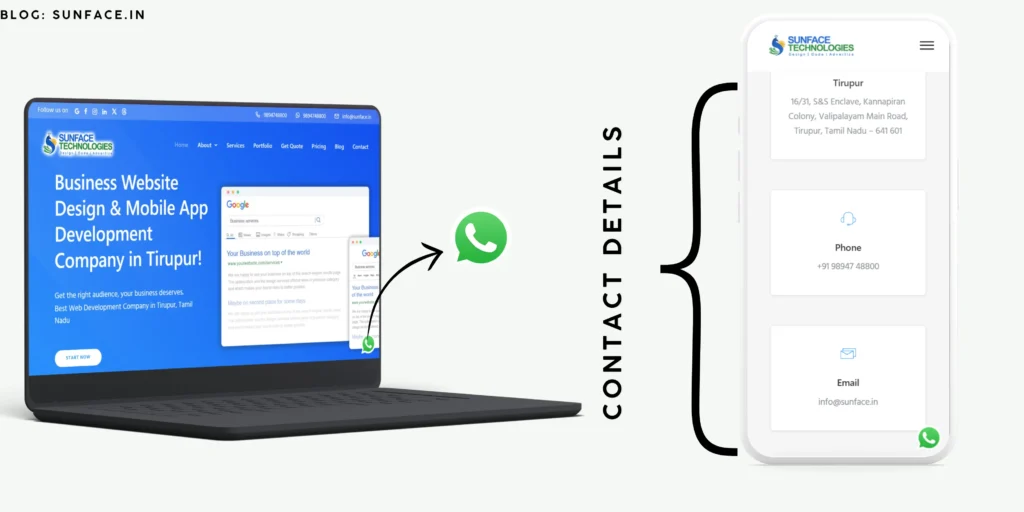
Fix: Put your number at the top. Add a “Call Now” button and a WhatsApp button that stay visible on the phone. One tap, and the call goes. Make it that easy.
Usecase 5: Too much stuff, too much confusion
Some websites try to show everything at once. Ten colours, many different fonts, flashing banners, long long paragraphs, and music playing in the background (yes, I saw this once!). The visitor opens it and thinks, “Where should I even click?”
When a person is confused, he doesn’t think “let me try harder.” He just leaves.
Reality Check: Show your home page to a friend or a family member for 10 seconds, then close it. Ask him: “What does this business do?” If he cannot answer, your home page needs work.
Fix: Keep it clean. Your home page should clearly say three things:
- What do you do?
- Why should people trust you? (photos of your work, customer feedback)
- How can they contact you?
Usecase 6: Only heavy English when customers think in Tamil
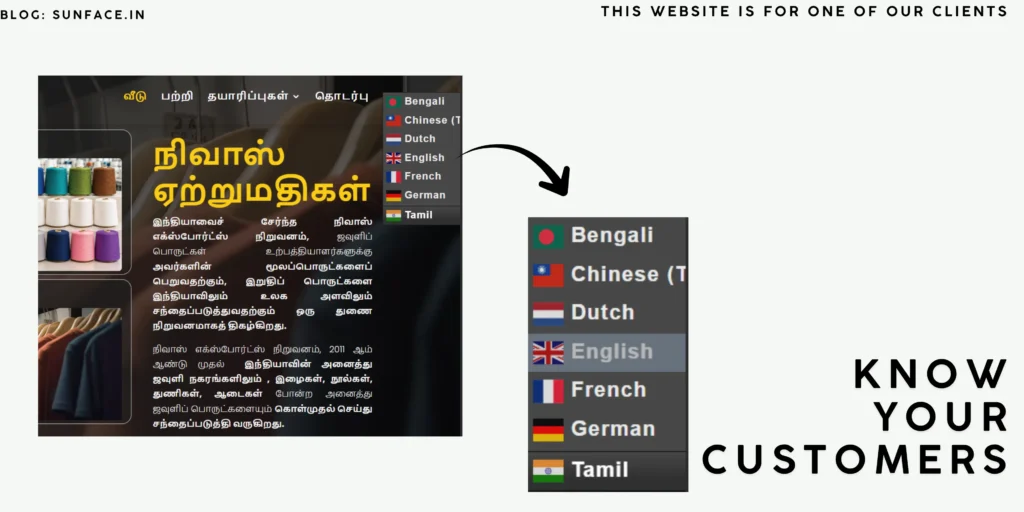
Many of our customers in Tirupur are comfortable in Tamil. If the website is full of big English words like “comprehensive solutions” and “synergy,” the person feels “this is not for people like me” and leaves. Nobody says it to your face. They just go quietly.
It doesn’t mean you must make the whole website in Tamil. But simple words matter a lot.
Reality Check: Read your website’s About page aloud. Does it sound like you talking to a customer, or like a company brochure? If you would never say these words in real life, change them.
Fix: Write in easy English. Add a few lines in Tamil, like “எங்களை தொடர்பு கொள்ளுங்கள்” near the contact button. A small thing like this makes people feel, “Oh, he is one of us.”
Mistake 7: Making the website once and forgetting it forever
This is very common. The owner spends money, gets the website ready, takes a photo with the designer, and then never opens it again. After one year, it still shows last Diwali’s offer, an old phone number, and a “Coming Soon” page.
When a customer sees this, he thinks, “Is this shop even running anymore?” Trust is gone.
And one more important thing: a website alone does not bring customers automatically. Just like opening a shop on a lonely street doesn’t give you crowds, people must be able to find your website. That is where Google SEO and Google Ads help. SEO takes time but lasts long. Ads give faster results but need regular care.
Reality Check: Look at your website’s last update. Is your phone number, address and timing still correct today? Is there any offer from months ago?
Fix: Update it every month, even if it is something small. A new photo of your work, a new offer, new customer feedback. Set a reminder on your phone for the first of every month.
A small truth nobody tells you
A website is not magic. If you make one and sit quietly, 100 customers will not suddenly arrive. It is a tool, like a good machine in your factory. It works well only when it is set up properly and taken care of.
Also, you don’t need to fix all 7 mistakes in one day. Even if you fix just the phone number and the mobile view this week, you will feel the difference. Small steps are enough.
Your quick checklist
Take a screenshot of this and keep it:
- Opens fast (checked on Page Speed)
- Looks good on my phone
- Phone number and WhatsApp visible at the top
- Simple design, simple words
- Updated in the last month
- I appear when I search my business type on Google
If you can tick all six, you are ahead of most of your competitors. If you can tick only two or three, now you know what to work on.
Need help? Don’t struggle alone
Honestly, if all this sounds like a big headache, it is okay. You have your own business to run. Leave the technical part to people who do it every day.
Sunface Technologies is a Tirupur-based team. We build websites and also do Google Ads and digital marketing for local businesses. Since we are from here, you don’t have to explain Tirupur customers to us from zero. You can visit our website, see what we offer, and talk to us directly. No pressure, just ask your doubts.
So, think honestly: how many of these 7 mistakes did you find on your own website? Even I found 2 in my personal website!
See you in the next post. Nandri!